Skip to content

For:

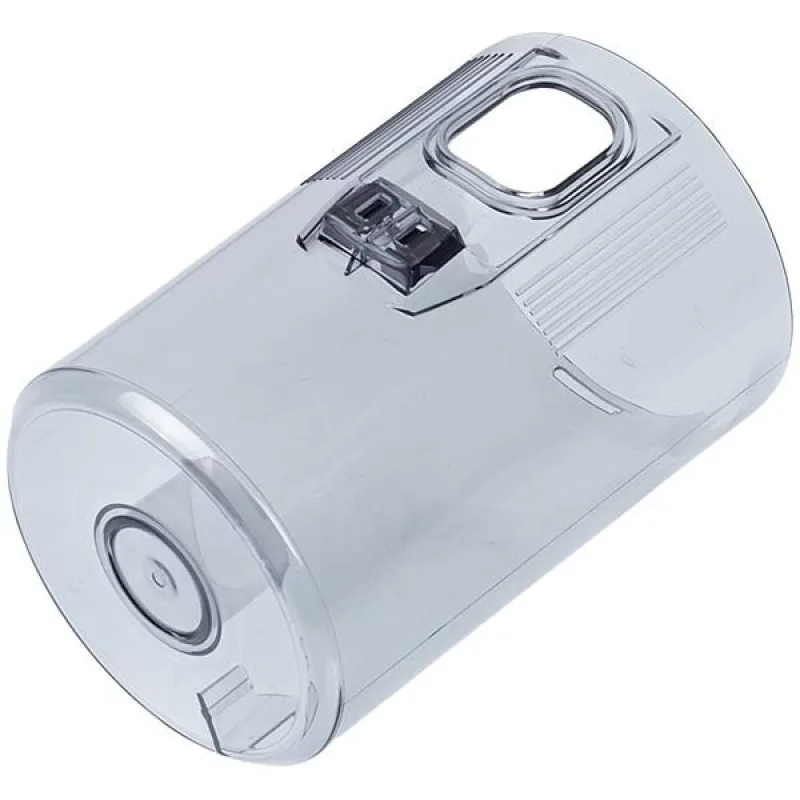
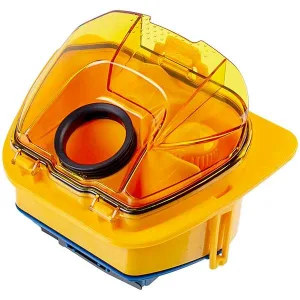
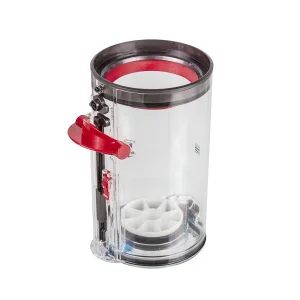
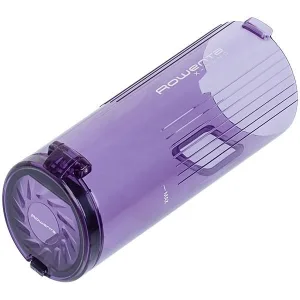
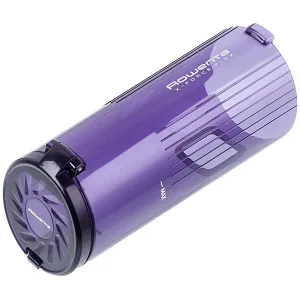
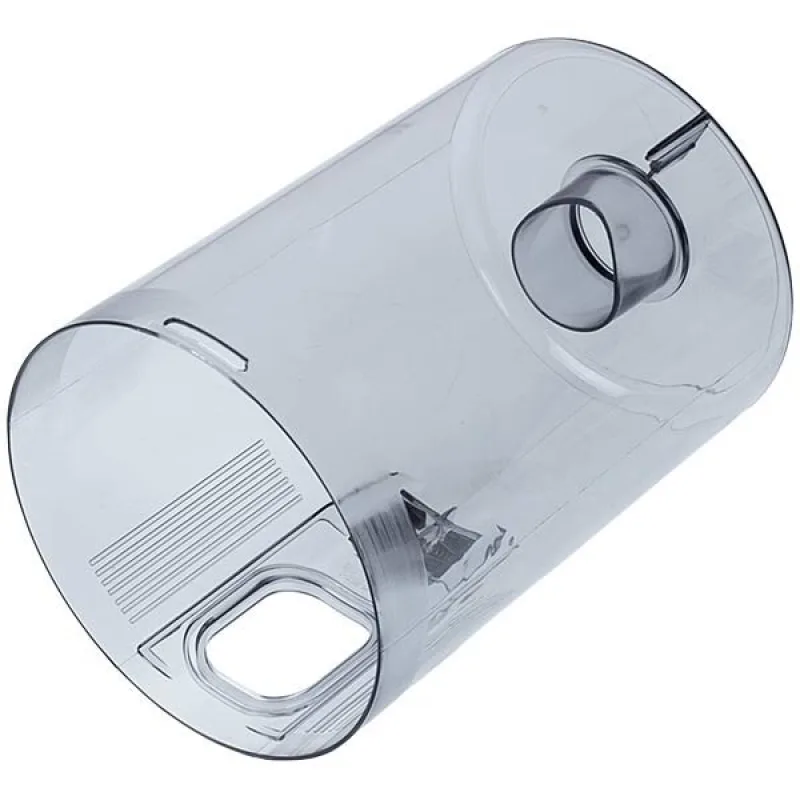
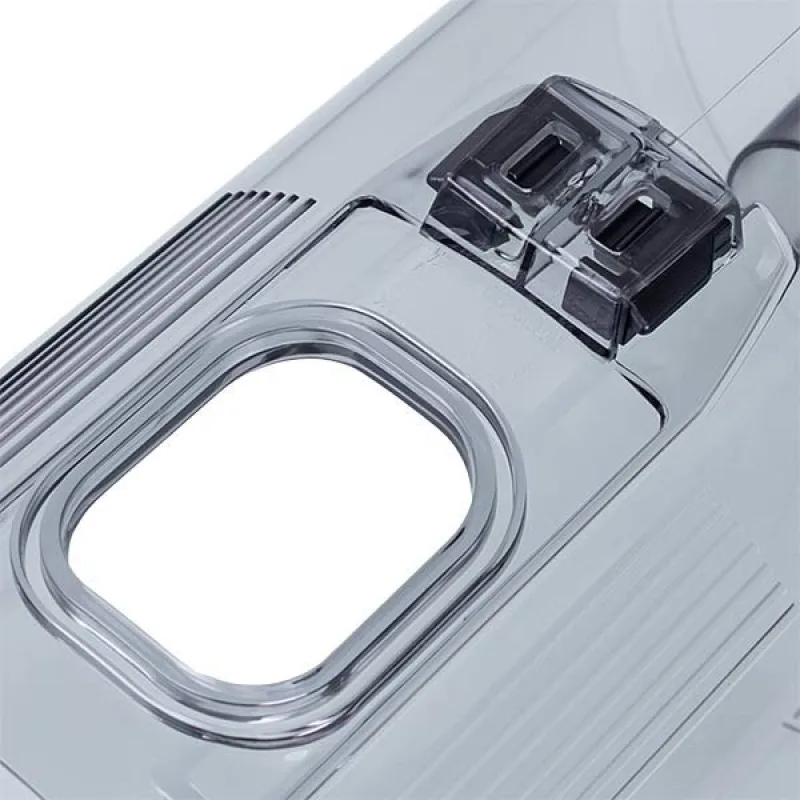
Dust container for Samsung cordless vacuum DJ97-02672A

Photo 1 of 3

Compatibility with your appliance

No compatibility data for this part yet.

Send a photo of the rating plate
Where is the model number?

Look for the sticker (rating plate) on the body: behind the door or lid, on the back or a side panel. You need the line «Model», «Mod.», «Type» or «E-Nr».

Samsung code
DJ97-02672A

bit-bit code: 56074

Dust container for Samsung cordless vacuum DJ97-02672A

635 ₴

Ships today, Wed 07.10

At the Nova Poshta branch Thu 08.10

Only 1 left

Delivery at Nova Poshta rates

Just your phone — we will place the order for you by phone

  • We mark the parts that fit your model
  • Pay by card or on delivery
  • Cash on delivery — Nova Poshta fee 20 ₴ + 2%

Specifications

Part type
Dust container
Vacuum cleaner type
Cordless
Colour
Transparent

Description

Dust container DJ97-02672A collects dust and debris in a cordless vacuum cleaner. Replace it when the body is cracked, the latch or lid is broken, or the container does not lock and suction drops. Used in Samsung cordless vacuum cleaners. Before ordering, check the code of the old container. Vacuum type: cordless Colour: transparent

Codes and compatible parts

Part codes

  • DJ97-02672ASamsung

Returns

  • 14 days to return a part that was not installed, with its packaging kept. The buyer pays for return shipping.
  • A part with a manufacturing defect is replaced or refunded, and we pay for shipping.
Full return terms
635 ₴

Ships today, Wed 07.10

Quick order

Quick order: just your phone — we will place the order for you by phone.

Without +380, 9 digits

We will use the number for this request only.

Call or message us with the code 56074 — we will place the order for you.

+380 97 309 02 05

9:00–18:00

Call +380 97 309 02 05

Catalogue

My appliances

Save the model from the rating plate — we will show only the parts that fit.

Where is the model number?

Look for the sticker (rating plate) on the body: behind the door or lid, on the back or a side panel. You need the line «Model», «Mod.», «Type» or «E-Nr».

All my appliances

Kept on this device only, up to 5 models.

Help

+380 97 309 02 05

9:00–18:00

Call